
Artists
Event Details
THE STANDING AREA IS NOT RECOMMENDED FOR UNDER 14SArena Box Office will be open to personal callers only when we have an event taking place at the Arena. Always check with the Box Office on 0114 256 56 56 before you travel to ensure you have the most up to date opening time information.Customers can book and collect their Arena tickets in person from the Sheffield City Hall Box Office, Barkers Pool, Sheffield, S1 2JA - click here for Sheffield City Hall opening times. Unless stated all tickets purchased in person from the Arena or Sheffield City Hall Box Offices for shows at the Arena are subject to a 12% booking fee - the same charges apply to all payment methods, cash, card & cheque. Further booking information can be found in the booking information section of this website.On the day of an event the box office will open at 12noon and stay open until the main act is on stage, this will vary depending on the event so please check the specific show page for running order details. (If the start time of the event is morning/early afternoon will usually open from 9am)When coming to the box office on an event day please be aware that the security procedures in place at this show may restrict access to the venue and car parks. As access to the box office is through our car parks you may be asked to park off-site and walk to the box office to maintain the integrity of the safety checks already carried out on site.The Box Office is located at Entrance C on the ground floor and has a purpose built low level counter installed. There is ample parking outside the entrance, including disabled parking spaces. Please ensure that you obtain a ticket from the pay & display ticket machine and clearly display the ticket in your car - parking is free for the first hour you just need to obtain & display the ticket. Please read the venue's security procedures that restricts the access to the venue, car parks & box office on event days.
Other gigs from these artists
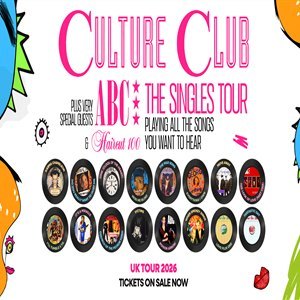 Culture Club + ABCMon, 7 Dec 2026Bournemouth International Centre, Windsor HallABCCulture Club
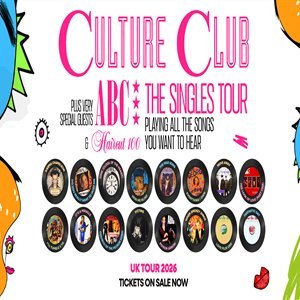 Culture Club + ABCTue, 8 Dec 2026Utilita Arena, CardiffABCCulture Club
 Culture Club + ABC + Haircut 100Thu, 10 Dec 2026AO Arena, ManchesterABCCulture Club
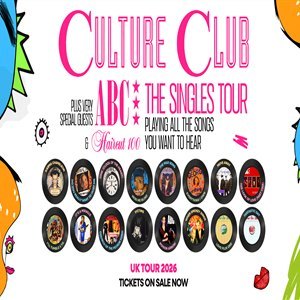 Culture Club + ABCFri, 11 Dec 2026M&S Bank Arena LiverpoolABCCulture Club
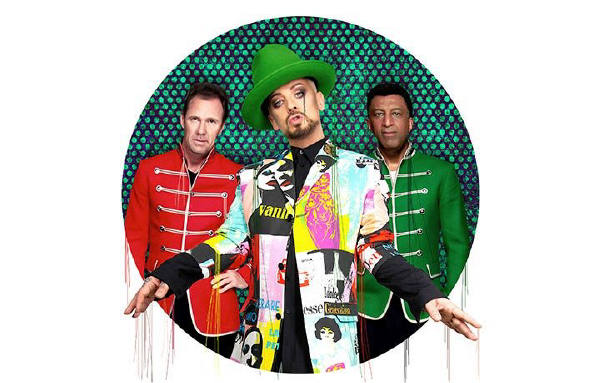 Culture Club + ABC + Haircut 100Sat, 12 Dec 2026First Direct Bank Arena, LeedsABCCulture Club
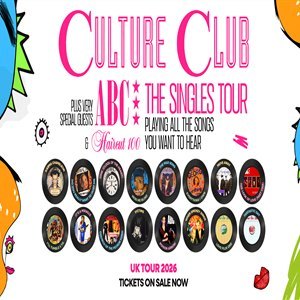 Culture Club + ABCSun, 13 Dec 2026Utilita Arena Newcastle, Newcastle Upon TyneABCCulture Club
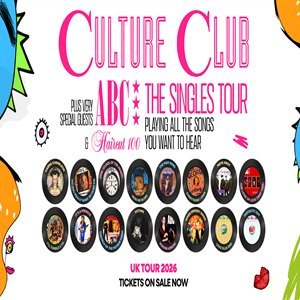 Culture Club + ABCTue, 15 Dec 2026OVO Hydro, GlasgowABCCulture Club
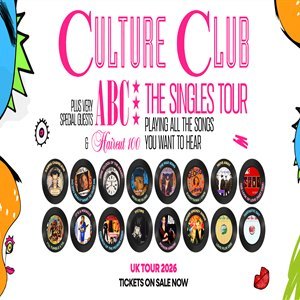 Culture Club + ABCFri, 18 Dec 2026Utilita Arena BirminghamABCCulture Club
 Culture ClubSat, 19 Dec 2026The O2 Arena, LondonCulture Club
About this venue
Utilita Arena, Sheffield Arena, Broughton Lane, Sheffield, Sheffield S9 2DF.
More at Utilita Arena All gigs



Admin · Giggly Instagram